Choose the right laptop upgrade for your needs
A full drive and difficulty running several apps call for different choices. Compare storage, memory and data migration before choosing an upgrade.

Slow, full or struggling with several apps?
A full drive limits the room available for files and applications; more storage addresses that capacity problem. A laptop that struggles as more applications open may be short of working memory, so RAM compatibility may be relevant.
Slow startup or general slowness can have several causes, including the drive's type or condition. Neither an SSD nor more RAM is a universal cure. The upgrade should match the actual limitation and the laptop's supported hardware.
Which upgrade addresses which need?
An SSD is storage for files, applications and the system. RAM is working memory used while applications run. Drive cloning is a separately agreed way of copying a suitable existing setup to a replacement drive; it is not another kind of hardware upgrade.
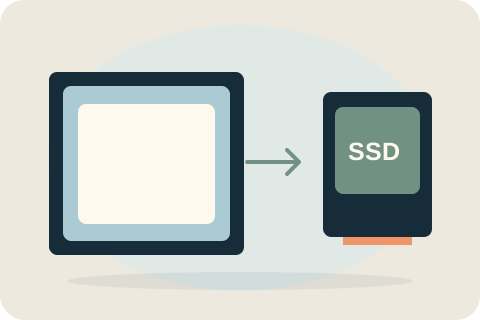
SSD upgrades
Ask about a compatible SSD when you need more storage or want to replace an older drive. Capacity, fitting and moving your files are separate parts of the decision.

RAM upgrades
More working memory may help a compatible laptop with demanding applications. It does not add file storage, and some models cannot accept a RAM upgrade.
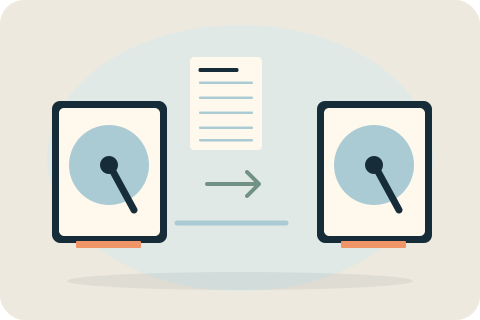
Drive cloning
Cloning can be part of a planned drive change when the source is healthy and compatible. Agree what will be copied and verify a separate backup before work.
What your laptop can support
The laptop must have compatible, replaceable components. Soldered memory or storage can prevent an upgrade, while interfaces and slots limit which parts fit. Capacity alone does not establish compatibility. The exact model and current configuration are checked before a quote.
Keep your data in the plan
Decide what needs to be retained before the drive is changed. A healthy compatible source may be suitable for cloning. Backups still matter, and copying cannot guarantee recovery from a failing drive. Any formatting or system-installation work needs a separate agreed scope.
Share your model and intended use
Tell David how you use the laptop, how much storage you have and what is frustrating you. For example, say you want room for photographs or need several applications open. A useful recommendation starts with that requirement and the model's limits.
Your questions, answered.
Should I upgrade RAM or storage first?
Start with the limitation you want to address. RAM and storage do different jobs, and the model's upgradeability matters. Neither is a guaranteed answer to all slowness.
Does a larger SSD automatically make a laptop faster?
No. Capacity adds room; performance depends on the drive, the hardware and the workload. Replacing a compatible mechanical drive can help responsiveness, but gains vary.
Can existing files move to the replacement drive?
A healthy compatible source may support cloning. Data handling, backup and any alternative setup must be agreed rather than assumed to be included with fitting.
Tell David what needs attention.
A model, a description and a postcode are enough to start the conversation. The suitable work and total price are agreed before booking.
Ask about your devicePlease keep passwords and recovery keys private.