Find help for iPhone camera, sound and control faults
Start with the function that has changed: pictures, incoming sound, your voice or a physical button. The right repair depends on the model and the actual fault.
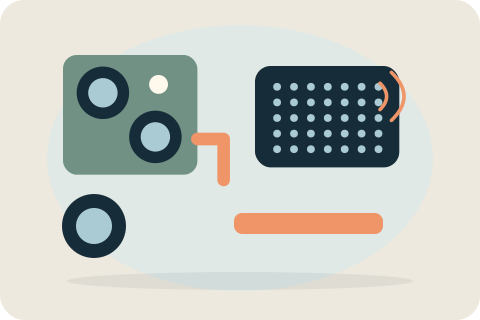
Which function is affected?
Use the camera route for a missing image, poor focus or a fault when taking pictures. Use the speaker route when the sound you hear is quiet, distorted or missing. Use the microphone route when other people cannot hear you or recordings lack your voice. Use the button route when a physical control sticks or fails to respond.
If several functions changed after the same drop or spill, the damage may extend beyond a single component. The separate pages explain each symptom without assuming that one replacement will fix them all.
Choose the relevant repair page
Camera replacement deals with the image-capture component. Speaker repair deals with sound output, while microphone repair deals with sound input; these are different faults even when both are described as a call problem. Button repair concerns the physical controls rather than touch-screen response.
Choose the page for the affected function below. Face ID and Touch ID repair are outside the published service, and work on a nearby camera or button does not include restoring those biometric features.
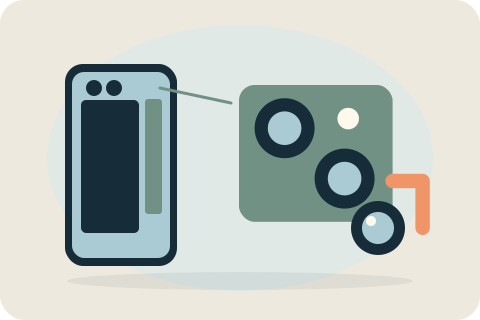
Camera replacement
Blurry pictures, focusing trouble or a camera showing no image need a closer look. Ask about supported camera work before assuming replacement is the answer.
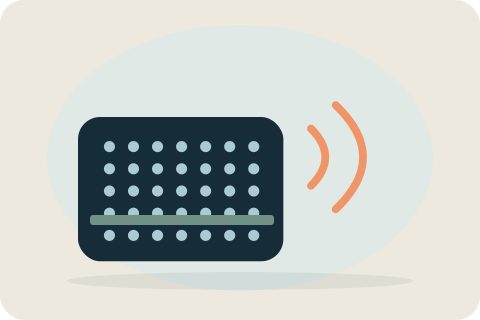
Speaker repair
Quiet calls, crackling audio and missing loudspeaker sound are not the same fault. Describe the output that has changed to help establish a suitable assessment.

Microphone repair
If others cannot hear you, describe where the voice disappears. Calls, speakerphone and recordings can behave differently, and the supported repair depends on the model.
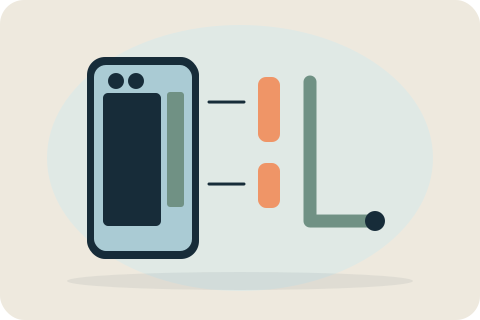
Button repair
A stuck or unresponsive physical control needs a model-specific decision. Ask about supported button work, especially if the surrounding enclosure is also damaged.
Checks that can narrow the problem
For camera problems, check whether the case obstructs the lens and whether the symptom occurs in the camera app as well as the app where you first noticed it. For sound problems, check volume, mute settings and whether a connected accessory is handling the audio. For a physical button, check whether the case obstructs its movement.
Comparing an ordinary call with speakerphone or a short, non-personal recording can help distinguish sound output from input. These observations narrow the affected function; they do not prove a component has failed. Only make checks that are safe for the device, and do not open it, force damaged controls or share private recordings.
Model compatibility and testing
The exact iPhone model determines which camera, sound or button assembly fits and which features need checking. Calibration requirements and earlier damage can limit the work that is suitable.
Checks should focus on the function being repaired: camera image and focus, the affected sound output or input, or the physical button response. Untestable functions and known limitations are recorded. Face ID and Touch ID repair remain outside the published service.
Describe when the fault occurs
Include the model, affected function and when the fault happens. Mention drops, liquid and prior work. Ordinary descriptions such as 'people cannot hear me on calls' are more useful than guessing a part name. The scope is established before booking.
Your questions, answered.
Is a call problem the speaker or microphone?
If you cannot hear the other person, describe output sound. If they cannot hear you, describe input sound. Several parts or non-hardware causes may still be involved.
Could an accessory or setting be responsible?
Yes. Note any difference with accessories disconnected or settings checked. Do not treat this as a guarantee that a hardware repair is unnecessary.
Can several functions be affected by one incident?
Yes. Impact or liquid exposure can affect several functions. Explain all changed behaviour so the assessment is not limited to one visible symptom.
Tell David what needs attention.
A model, a description and a postcode are enough to start the conversation. The suitable work and total price are agreed before booking.
Ask about your devicePlease keep passwords and recovery keys private.